

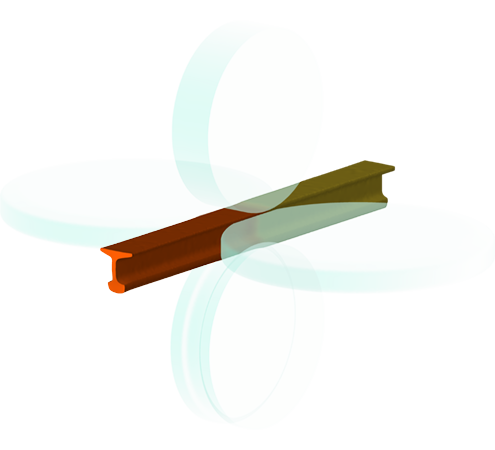
The synergy between roll-pass design in QKaliber and the QForm Longitudinal Rolling simulation enables a seamless workflow: tools can be designed, tested, and refined within the same environment. This integration ensures that potential issues are identified early in the process, reducing the likelihood of costly errors during production.
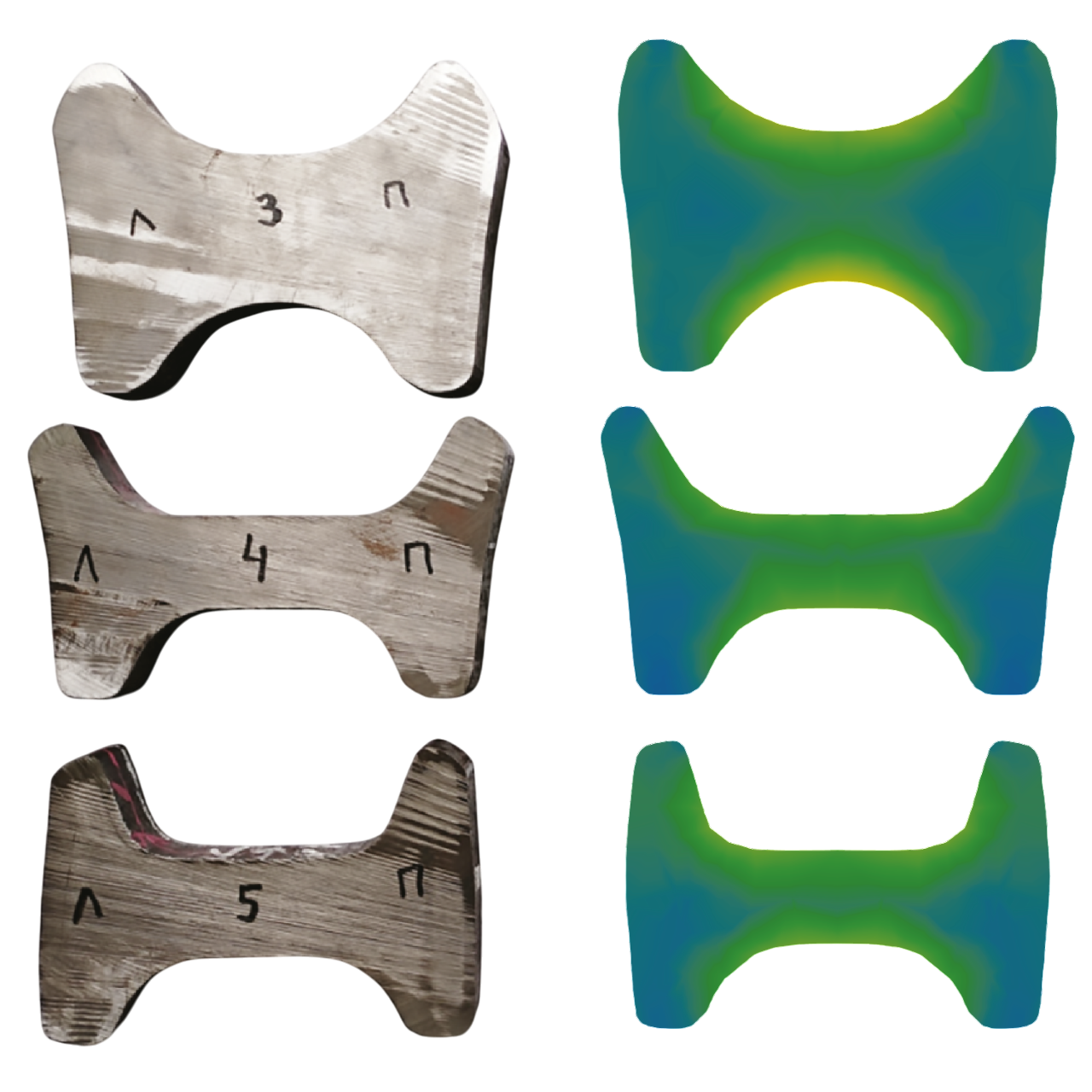
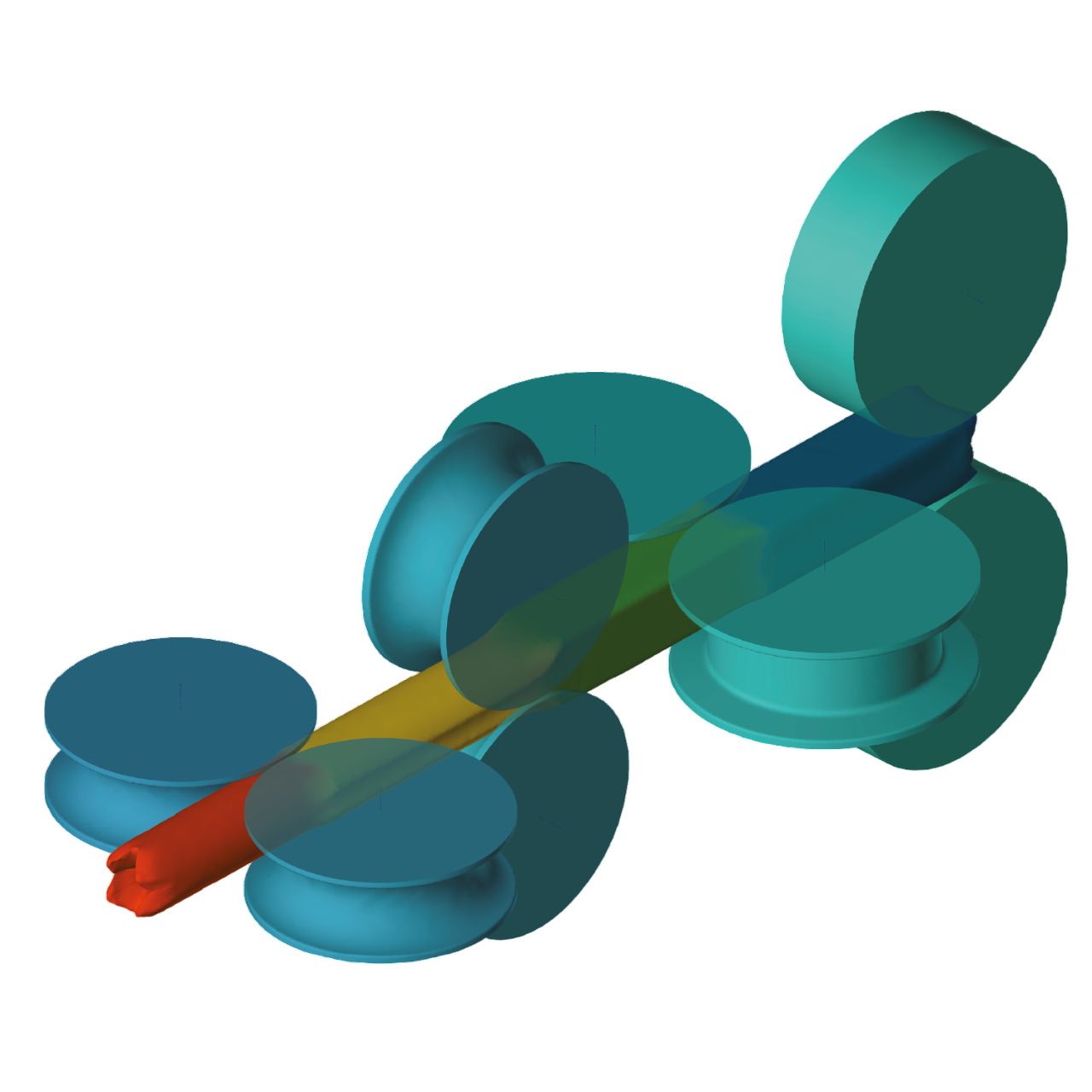
QKaliber is based on the analytical methods of the rolling shape design. The mutual work of the design system and simulation program provides solutions to the technological problems in the stages of preparing, adjusting and practical realization of the shape rolling technology.
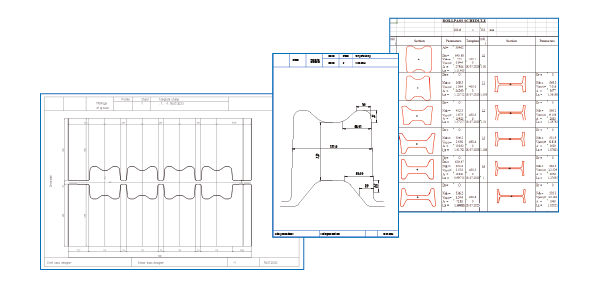
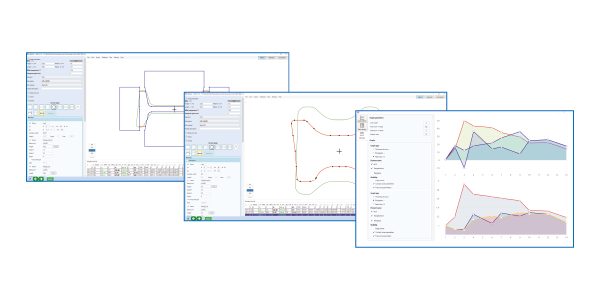
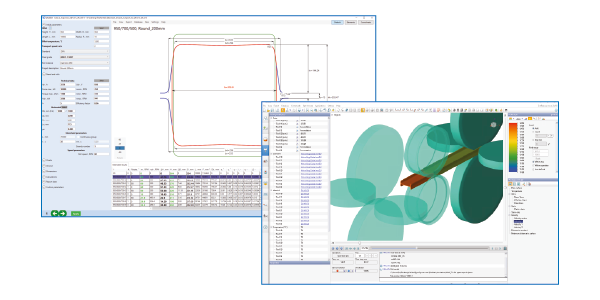
QKaliber automatically generates projects for simulation in QForm. The user needs just to press the “Start simulation” button to verify the designed technology. QKaliber automatically creates the entire rolling scheme based on a specified section profile and analyzes the flow of profile elements to assess roll pass design based on deformation parameters. QKaliber generates technical documentation such as rolling schemes, roll drawings, groove drawings.
Integration of the automated roll pass design with the simulation significantly speeds-up the rolling technology development and improves productivity.
Rolling system empowers tool designers to work more efficiently and confidently. By testing designs virtually and analyzing results, designers can reduce development time, improve accuracy, and deliver higher-quality tools.
Beyond operational improvements, Rolling System provides qualitative advantages that benefit the organization as a whole. By reducing the need for physical trials, optimizing workflows, and minimizing production risks, the suite helps producers achieve safer, more cost-effective operations.
QForm Rolling simplifies the complex theoretical calculations required to optimize deformation modes in rolling, helping to reduce the number of passes and accurately determine energy and power parameters of rolling mills.
The module supports an unlimited number of tools with customizable movement in any direction, including rotation around one or more axes. This allows for the simulation of highly complex tool motions and processes.
Users can group multiple rolling stages into a single sequence, replicating the entire rolling process — from workpiece heating to final shaping. Industrial validation has confirmed excellent agreement between simulation results and actual production outcomes.
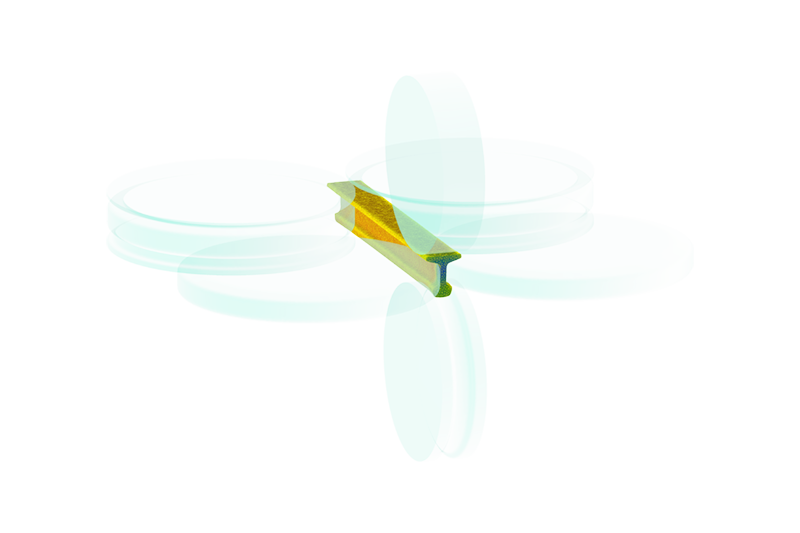
In rolling, deformation zones are small and localized, while most of the workpiece behaves as a rigid body. In continuous mills, multiple stands may influence each other through tension or compression, affecting roll torques and forces.
To ensure accuracy, QForm UK uses local mesh refinement in roll contact areas and applies an Eulerian approach for the rolls. This keeps the mesh stationary in space, preserves mesh quality in contact zones, and simulates roll movement through velocity vectors — enabling precise modeling without rotating the mesh.
To ensure accurate simulation, the mesh must be refined in the deformation zone and in areas where the workpiece contacts the tool. In other regions, a coarser mesh is used since there’s no active deformation. However, larger elements in rigid zones can reduce the accuracy of the part’s geometry.
To solve this, QForm uses a dual-mesh system:
The mechanical mesh is refined in deformation zones for precise material flow calculations
The geometric mesh ensures accurate shape representation and solves the thermal problem
Longitudinal rail rolling process simulation in QForm as one of program possibilities is shown in this video.
